 Attention: You are switching to the expert selection*
  Select vehicle





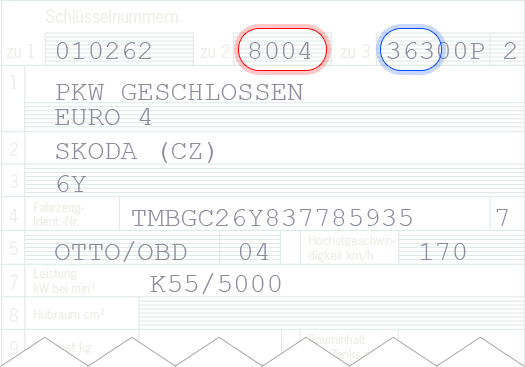
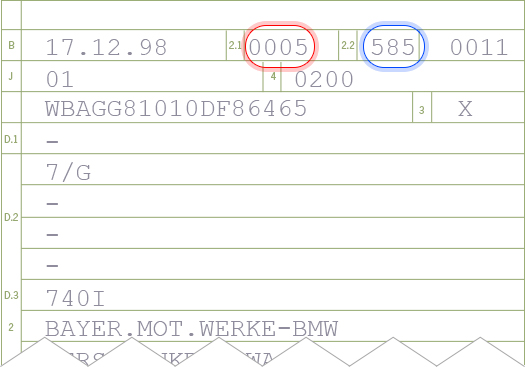
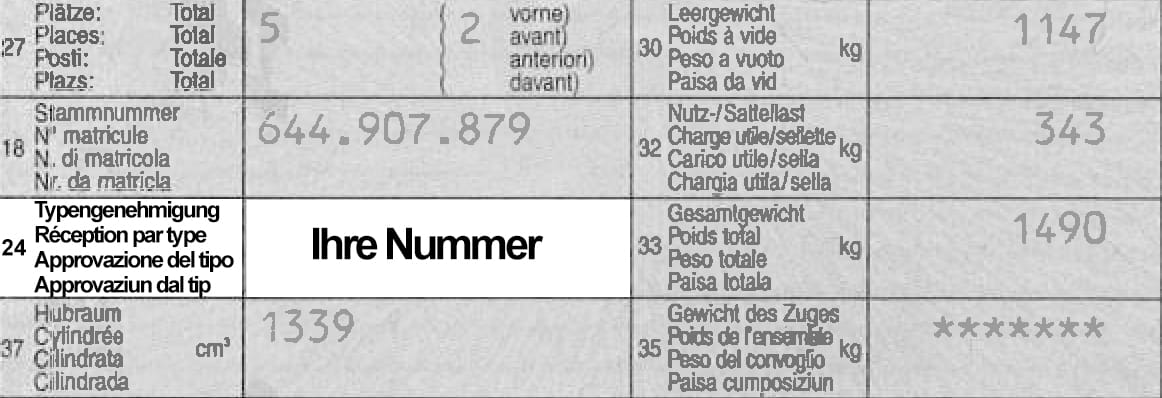
LOOKING FOR A PARTS APPROVAL, AN ABE OR WHEEL CERTIFICATE?
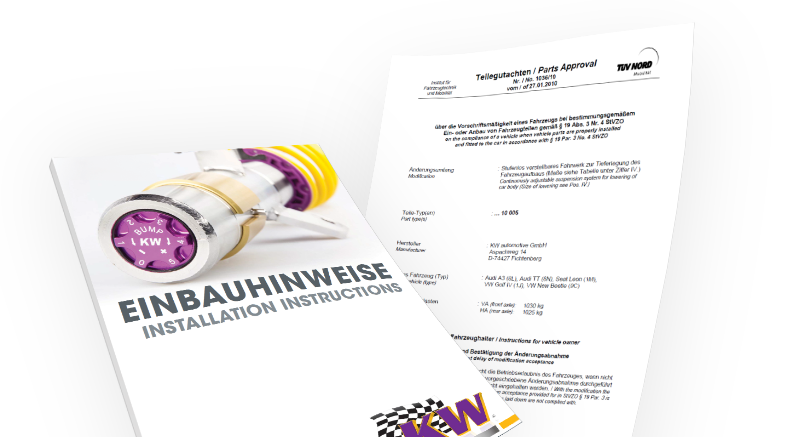
You can download parts approval and installation instructions free of charge at the DTSshop, on the product detail page. To get to the product detail page, either search for a product code or select a vehicle. Here’s how you do it.
FIND DOCUMENT BY SEARCHING FOR PRODUCT CODE
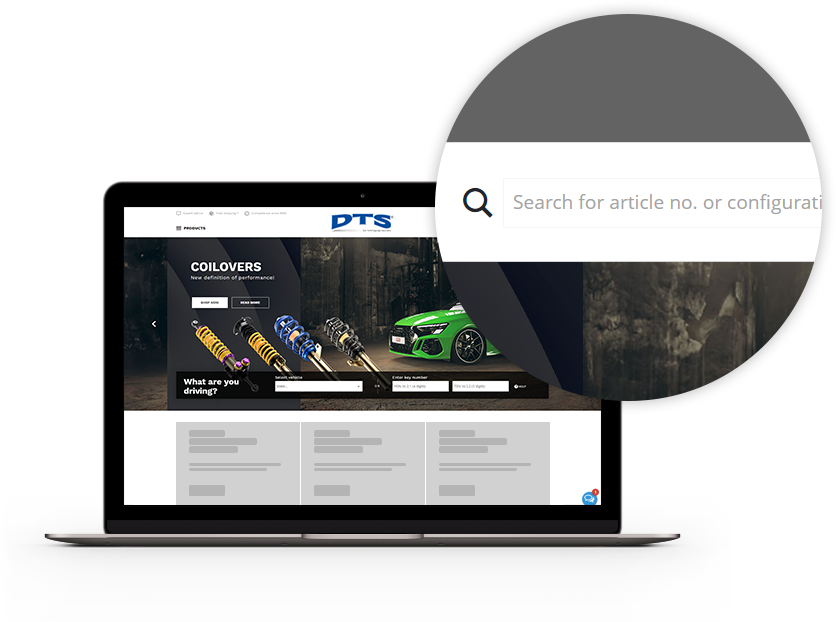
1. OPEN PRODUCT CODE SEARCH
There is a small magnifying glass symbol at the top-right of the website. Click on this symbol to open a search box, then enter the code of the product whose parts approval or installation instructions you’re looking for.
2. START SEARCH
Once you’ve entered the full product code, start the search by pressing Enter. If you entered a correct code, you will automatically be taken to the detail page of the product you’re looking for. If not, you’ll have to try again.
3. FINDING PARTS APPROVALS AND INSTALLATION INSTRUCTIONS
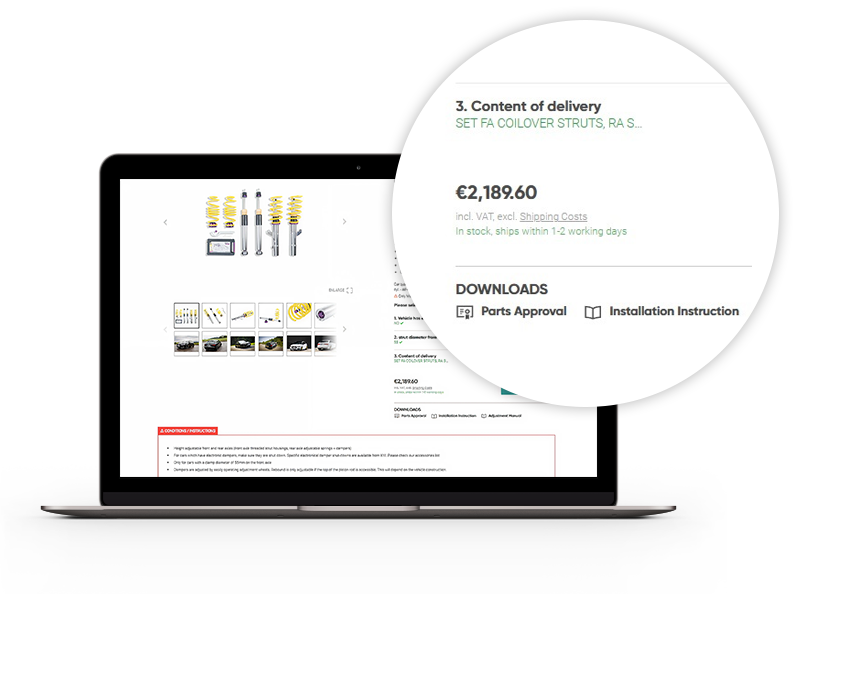
On the product detail page, below the price, you will see a section entitled "Downloads". This is where we provide you with the parts approval and installation instructions (if available) for the product.
4. DOWNLOAD DOCUMENTS
Click on one of the two links and the PDF will open in a new browser tab. You can read the PDF there, or use the symbols in the header to print it out or download it to your device.
FIND DOCUMENT BY SELECTING VEHICLE
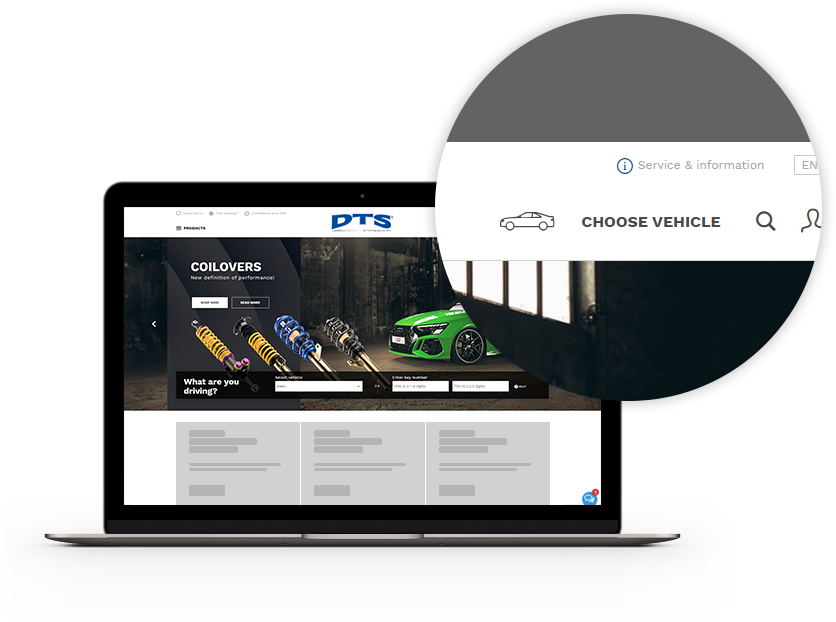
1. OPEN VEHICLE SELECTION
There is a small car symbol labelled "Select vehicle" at the top-right of the website. Click on this symbol to open the vehicle selection. You can select your vehicle there by choosing the options or entering the vehicle’s code numbers. Click "Help" for more information.
2. FIND PRODUCT
Once you’ve selected your vehicle, only the products that match that vehicle will be shown. Now you have to find and click on the product whose parts approval or installation instructions you’re looking for. You will be taken to the product detail page.
3. FINDING PARTS APPROVALS AND INSTALLATION INSTRUCTIONS
On the product detail page, below the price, you will see a section entitled "Downloads". This is where we provide you with the parts approval and installation instructions (if available) for the product.
4. DOWNLOAD DOCUMENTS
Click on one of the two links and the PDF will open in a new browser tab. You can read the PDF there, or use the symbols in the header to print it out or download it to your device.
FIND DOCUMENT BY KBA NUMBER
1. OPEN KBA NUMBER SEARCH
There is a small magnifying glass symbol at the top-right of the store. Click on this symbol to open a search box, then enter the kba-number of the product whose parts approval or installation instructions you’re looking for.
2. START SEARCH
Once you’ve entered the full KBA number, start the search by pressing Enter. IMPORTANT: Be sure to include "KBA" before the number – for example: KBA12345. If you entered a correct code, you will automatically be taken to the detail page of the product you’re looking for. If not, you’ll have to try again.
3. FINDING PARTS APPROVALS AND INSTALLATION INSTRUCTIONS
On the product detail page, below the price, you will see a section entitled "Downloads". This is where we provide you with the parts approval and installation instructions (if available) for the product.
4. DOWNLOAD DOCUMENTS
Click on one of the two links and the PDF will open in a new browser tab. You can read the PDF there, or use the symbols in the header to print it out or download it to your device.
Any questions?
Do you have questions about our products, services or shop? No problem. We’ve got the expertise and we’re here to help:
** Monday to Friday, 8 a.m. – 12.30 p.m. and 1.30 to 5 p.m.